Precise Navigation for a Mobile Manipulator using 2D-LiDAR
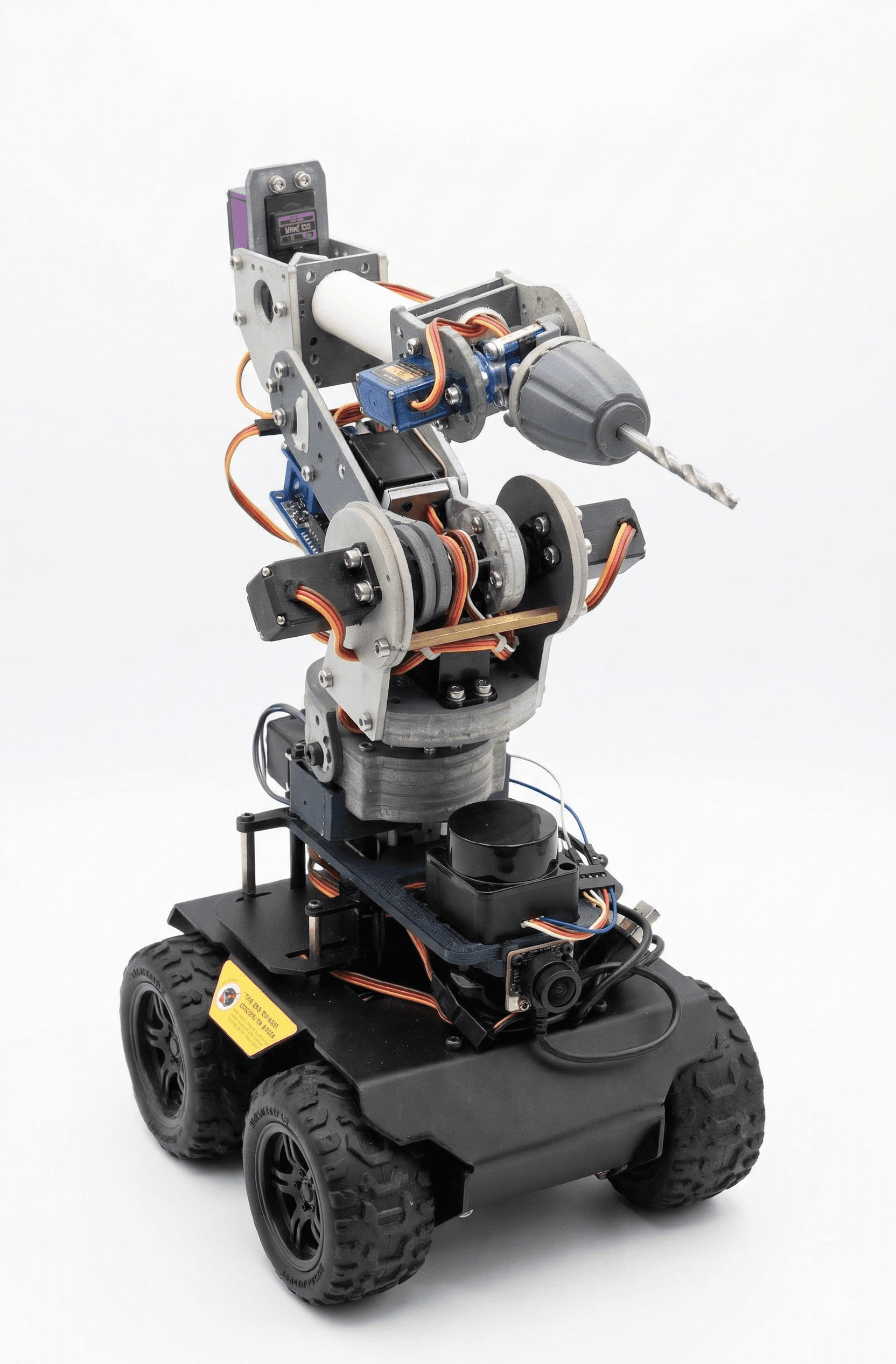
I built a mobile robot that uses a 2D-LiDAR sensor to understand its surroundings, compare a real scanned map with a reference map, and drive repeatedly to a target position.
Natural environment
Built environment
Why a plan or a scan alone is not enough
A robot can't trust an old plan alone, or a raw sensor map alone. Plans go outdated; sensor maps are noisy. For precise work, the map must be checked against reality.
Check the map against reality
Use 2D-LiDAR SLAM to build a real map, compare it with a reference map, update the map, then test whether the robot can drive to the same target again and again.
The system, step by step
The long-term goal: a mobile manipulator that can later drill or cut. Before precise tool work, the robot needs a reliable navigation and positioning base.
ROS2-based navigation pipeline
2D-LiDAR SLAM mapping with Cartographer
Reference map comparison
Map fusion → updated occupancy grid
AMCL localization on the fused map
Navigation verification with Nav2 + TEB
Repeated target-position tests
Onboard ROS2 System
SENSOR DATA → NAV STACK → BASE CONTROL
ROS2 NAVIGATION WORKSPACE
Layered Software Architecture
HARDWARE → NAVIGATION → MONITORING
Hardware layer
Navigation layer
Monitoring layer
From scan to repeatable navigation
Mapping / Localization / Navigation Pipeline
ONE SYSTEM START, TWO OPERATING PATHS
Scan the environment
The robot uses a 2D-LiDAR to measure walls and obstacles.
Build a map
SLAM turns the sensor data into a map the robot can use.
Compare with reference
The scanned map is checked against a prepared reference map.
Update the map
The system keeps useful structure and adds real detected obstacles.
Test navigation
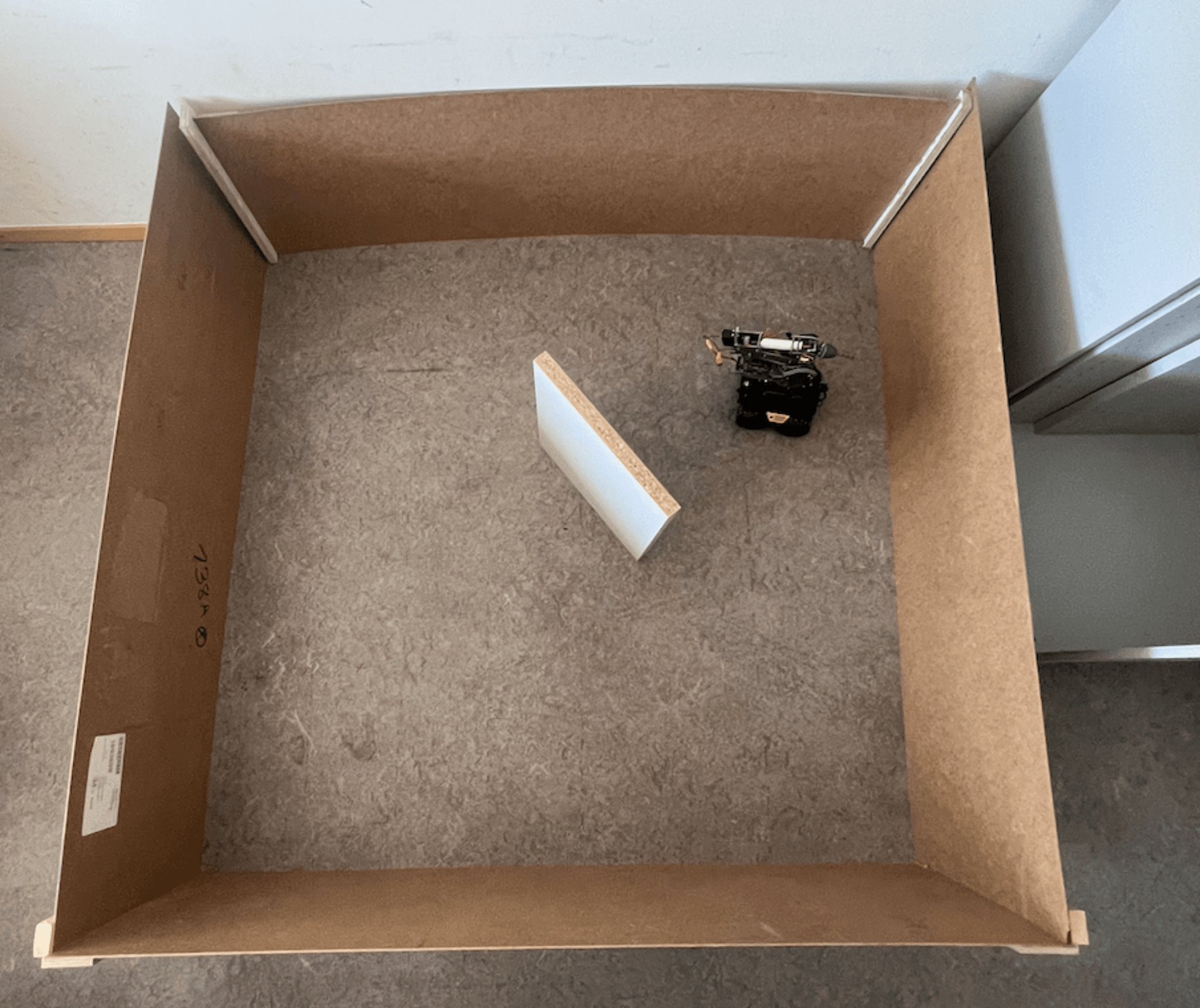
The robot drives to the same target repeatedly to check repeatability.
Reproducible — with a known offset
The robot built a usable map and reached the target area repeatedly. Navigation was reproducible — but showed a systematic position offset. So: solid as a navigation base, but precise tool tasks still need extra calibration and local correction.
Robotics is a full system, not one algorithm
Robotics is not one algorithm. It is a full system — sensors, maps, localization, controllers, hardware, timing, and real-world errors must all work together.
Honest next steps
- ›Better calibration: map ↔ robot base ↔ LiDAR ↔ end-effector
- ›More target points, more test environments
- ›Local fine-positioning near the workpiece
- ›Better validation of orientation θ
- ›More stable real-time performance on the onboard computer